Discover and share Long-Reads related datasets and software of any type: websites, command-line tools, pipelines... Find the tool you've been looking for! Software Tools Datasets
Find research articles and stay updated with the latest scientific findings in Long-Reads. Explore curated publications that support the tools and datasets in our database.
Locate tutorials and tips that help users get the most out of bioinformatics tools. Whether it's a video walkthrough, a written guide, or a quick trick — contribute to building a collaborative knowledge hub for the community.
In Resources, software tools and datasets are in two tabs, and the filters on the left (keywords, tool type, topic, operations, programming language…) help you narrow the results. The Blog collects news and articles. Each entry has its own page with its description and links, tabs with related publications, tips and tutorials, and the reviews left by other users.
How You Can Interact with the Site
On our platform, you can freely browse and search for information without registering, but creating an account unlocks extra benefits. You can register with two different user roles: Reader or Uploader.
Readers can explore all available content and personalize their experience by bookmarking items they find interesting. They can also leave comments and ratings to share feedback or start discussions.
Uploaders have all the same abilities as Readers, but with an extra feature: they can contribute by creating new items of any type — whether it’s a tool, a dataset, a tip, a tutorial, or a publication.
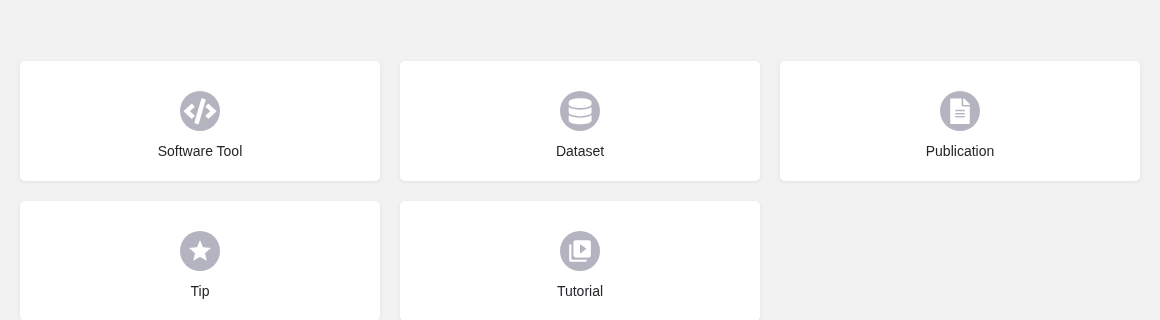
To upload new content, you need an Uploader account. Once registered, you can create any type of item: Tool, Dataset, Publication, Tip, or Tutorial. Each item type comes with its own set of fields in the creation form, some required and others optional, but there are two key points to keep in mind:
You can connect Publications, Tips, and Tutorials to existing Tools or Datasets on the platform. In the creation form, use the “Related Tool” or “Related Dataset” dropdown to make these associations.
For Publications, you can quickly generate a formatted citation by entering the article DOI in the Citation Helper, available on the right-hand side of the page.
All submissions are first reviewed by our team to ensure quality and consistency. Once approved, your contribution will be published and visible to the whole community.
As an Uploader, you can also monitor the impact of your entries. Each item shows basic statistics, including the number of visits, so you can see how your contributions are reaching the community.
Dashboard: view overall statistics for all your contributions.
My Listings: check individual statistics for each item you’ve published.
Step by step
1. Sign in with your Uploader account and click Submit in the top menu.
2. Choose the type of entry.
3. Fill in the form and submit it. For publications, use the citation helper on the right to get the formatted citation from the DOI.
4. Follow your entries in My Listings. Until it is approved, a new entry appears as pending. From there you can also edit, unpublish, duplicate or delete your entries and check their statistics.
Bookmarks and account details
Click Bookmark on any entry to save it. You will find all your saved entries in the Bookmarks tab of My account, and you can update your personal details and password in Account details.